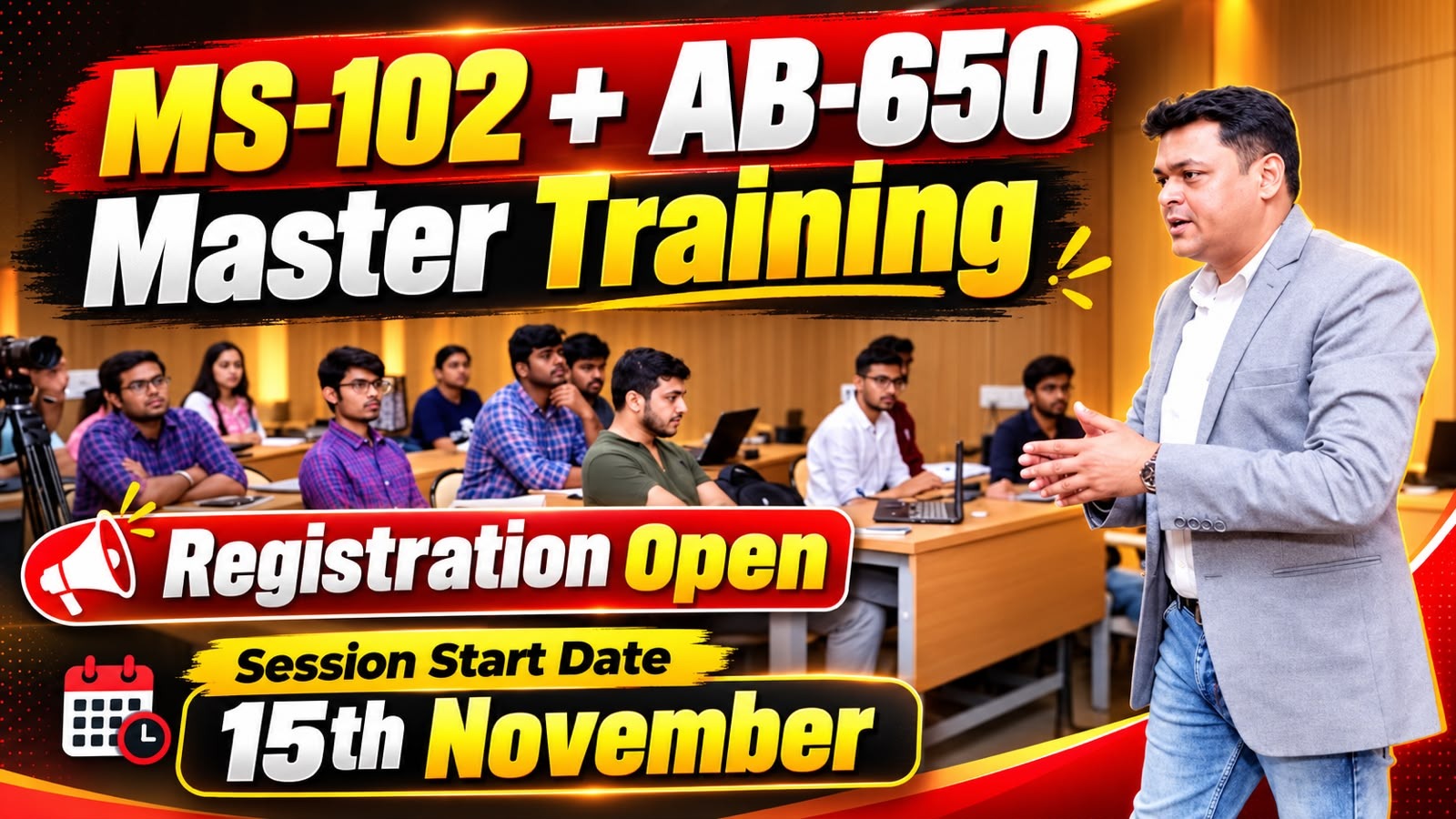
Microsoft 365 AB-650 & AI Services Training | Teach Me Cloud
Contact us
GET IT ON Google Play Download on the App Store
Course Preview

Master Class Microsoft 365 Expert Ready for 2027

Master the skills to effectively administer Microsoft 365 with AB-650! Elevate your knowledge and become a top-notch Microsoft 365 Administrator with this comprehensive course.

👨‍🏫
Instructor: Manjeet Rawat
🌐
Language:English & Hindi
1000+
Trained Candidates
4.8
Average Rating
95%
Completion Rate
24/7
Support Available

About the Course

Microsoft 365 Administration Guide – AB-650

Tenant, Security, and AI Services Management Overview

Course Description

This course covers the core responsibilities of Microsoft 365 administration, including tenant configuration, workload operations, identity and access governance, security controls, AI services, Agent 365 governance, and ongoing monitoring of usage, costs, and service health.

Module 1: Configure and Manage Microsoft 365 Tenants and Workloads

Microsoft 365 Tenant Configuration

  • Configure and manage Microsoft 365 tenants.
  • Configure tenant branding, logos, company URLs, themes, and backgrounds.
  • Implement and manage domains.
  • Manage organizational, security, privacy, and profile settings.

Licensing, Backup, and Service Health

  • Manage Microsoft 365 licenses, including group-based licensing and pay-as-you-go.
  • Manage licenses for Microsoft 365 Copilot, Microsoft Agent 365, and Copilot Studio.
  • Configure Microsoft 365 Backup, restore, and monitoring.
  • Review network connectivity insights.
  • Monitor Microsoft 365 service health and notifications.

Microsoft 365 Workload Management

  • Create and manage user and shared mailboxes.
  • Manage Microsoft Teams, channels, owners, and members.
  • Configure Copilot settings and transcription in Teams meetings.
  • Manage SharePoint sites and permissions.
  • Configure SharePoint and OneDrive for Copilot.
Module 2: Govern and Secure Microsoft 365 Tenants and Workloads

Microsoft Entra Identity Management

  • Create and manage Microsoft 365 users.
  • Manage guest users and external access.
  • Create and manage Microsoft 365 groups.
  • Manage roles using Microsoft Entra Privileged Identity Management (PIM).
  • Configure administrative units and contacts.
  • Perform bulk administration using Microsoft Graph PowerShell.

Authentication and Access Management

  • Configure authentication methods.
  • Implement Microsoft Entra Password Protection.
  • Configure Self-Service Password Reset (SSPR).
  • Troubleshoot authentication issues.
  • Implement Conditional Access policies.
  • Configure Microsoft Entra ID Protection and multifactor authentication (MFA).
Module 3: Secure Microsoft 365 Workloads

Microsoft Defender for Office 365

  • Manage security alerts.
  • Configure threat protection policies and rules.
  • Investigate email and collaboration threats.
  • Configure attack simulations and training campaigns.

Microsoft Purview

  • Configure Data Loss Prevention (DLP) requirements across Microsoft 365 workloads.
  • Manage sensitive information types and sensitivity labels.
  • Configure retention labels and retention policies.
  • Review and respond to DLP alerts.
  • Monitor AI-related data security using Microsoft Purview Data Security Posture Management (DSPM).
Module 4: Manage and Secure AI Services in Microsoft 365

Microsoft 365 Copilot Administration

  • Assess tenant readiness for Copilot.
  • Identify data leaks, oversharing, and compliance issues.
  • Manage web search for Copilot and Copilot Chat.
  • Configure Microsoft 365 Copilot Search.
  • Manage tenant-level Copilot settings and user experiences.
  • Manage Microsoft 365 Copilot Cowork.

Third-Party AI and Copilot Extensibility

  • Manage third-party AI providers.
  • Configure Copilot connectors.

Microsoft Agent 365 Administration

  • Manage agent identities using Microsoft Entra Agent ID.
  • Secure agent access using access packages and Conditional Access.
  • Manage agent owners.
  • Configure agent sharing, templates, and user access.
  • Discover and manage Microsoft and third-party agents.
  • Review, publish, reject, install, or block agents through the agent registry.
Module 5: Manage Tools in Agent 365
  • Secure and govern agents using Agent 365.
  • Monitor agent activities.
  • Protect sensitive data accessed by agents.
  • Evaluate compliance gaps.
  • Implement governance and monitoring controls.
Module 6: Monitor AI Services in Microsoft 365
  • Manage and monitor AI service costs.
  • Monitor Copilot usage reports and workload-level adoption.
  • Monitor AI usage through the Copilot Control System.
  • Monitor AI service health.
  • Review license utilization, security alerts, and governance controls.

Conclusion

This course provides an overview of Microsoft 365 administration across tenant configuration, workload operations, identity governance, security controls, and AI service management. The content supports standardized administrative responsibilities, secure operations, compliance, and effective monitoring of Microsoft 365 and AI environments.

What You'll Learn

⏰

12-Month Access

Get 12 months access to all course materials, updates, and resources. Learn at your own pace with no time restrictions.

👥

Learning Community

Join our exclusive community of cloud professionals. Network, share knowledge, and grow together.

🏆

Industry Certification

Prepare for Azure certifications with our comprehensive curriculum aligned with Microsoft's latest requirements.

💼

Career Support

Get resume reviews, interview preparation, and job placement assistance to accelerate your cloud career.

Course Curriculum

WEEK 01Introduction to Microsoft 365 Administration
  • Overview of Microsoft 365
  • Roles and Responsibilities of an Administrator
  • Understanding Microsoft 365 Admin Center
WEEK 02Managing Users and Groups in Microsoft 365
  • Creating and Managing User Accounts
  • Assigning Licenses and Permissions
  • Managing Group Memberships
WEEK 03Configuring Exchange Online
  • Setting up Email Domains
  • Managing Mailboxes and Distribution Groups
  • Configuring Email Protection and Compliance
WEEK 04Securing Microsoft 365 Environment
  • Implementing Multi-Factor Authentication
  • Configuring Data Loss Prevention Policies
  • Monitoring Security and Compliance
WEEK 05Managing SharePoint Online and OneDrive for Business
  • Configuring SharePoint Site Collections
  • Managing Document Libraries and Permissions
  • Utilizing OneDrive for Business

Reviews and Testimonials

A

Ankit Sharma

⭐⭐⭐⭐⭐

"Excellent course! The hands-on labs and real-world projects really helped me understand Azure concepts. Got certified within 2 months!"

P

Priya Patel

⭐⭐⭐⭐⭐

"Manjeet Sir's teaching style is amazing. Complex topics explained in simple terms. Best investment for my career!"

R

Rahul Kumar

⭐⭐⭐⭐⭐

"The course content is up-to-date and comprehensive. Support team is very responsive. Highly recommended!"