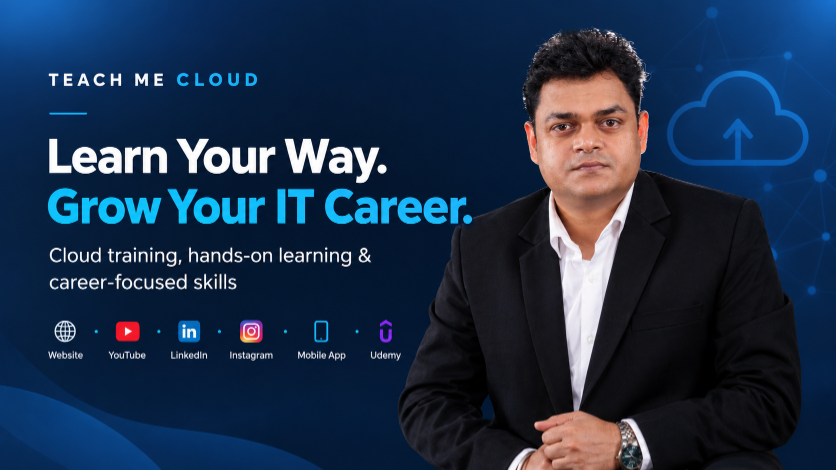
Learn Your Way.
Grow Your IT Career.
Cloud training, hands-on learning & career-focused skills
Online cloud training works best when it fits your life. Some days you want a quick video. Other days you want a full live class where a trainer clears your doubts on the spot. At Teach Me Cloud, we built more than one place to learn, so you can pick what suits you today and switch tomorrow.
Maybe you are a student, a fresher chasing your first IT job, or a working professional who wants a better role. You do not have to do everything at once. Here is where you can find us and what each place gives you.
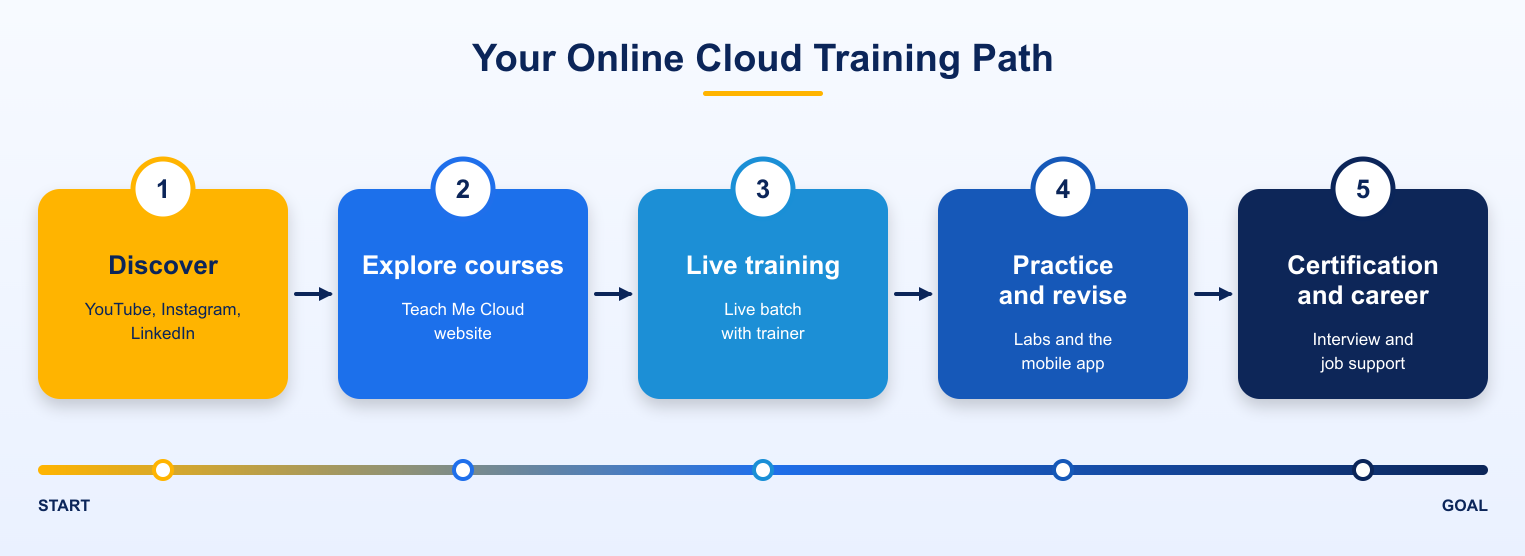
One learning path, many ways to grow
Start with the platform that fits your day, then add live learning, practice and career support as you need them.
Start at the Teach Me Cloud website
Our website is home base. If you are not sure what to learn first, begin here and look through the course catalog.
You will find Microsoft Azure training, including AZ-900 and AZ-104. You will also find Microsoft 365 and Intune courses like MS-102 and MD-102, plus VMware vSphere training. We run live batches, hands-on labs and job-focused programs, and new courses get added from time to time. Teams can ask for corporate and customized training too.
Every course is built around real work. We want you to understand what a tool does and also how people use it in a real office, on a real day.
Learn across the platforms you already use
Free learning on YouTube
Not ready to buy a course? That is completely fine, because free online cloud training is a great way to start. Our YouTube channel is where many learners meet us first.
You can watch Azure basics, Microsoft 365 tutorials, Windows Server, VMware and general IT infrastructure topics. We also share lab walkthroughs and certification tips, and we have run free live sessions for Azure fundamentals. Watch a video, try the steps yourself, then come back whenever you need a refresher. It works well for beginners and for experienced people who want to brush up.
Career updates on LinkedIn
Learning does not stop when class ends. On LinkedIn we post about upcoming batches, workshops and free learning programs. We also share technical insights on Azure, Microsoft 365, Intune and VMware, along with interview and career tips.
It is a handy way to see which skills employers are asking for right now, and to connect with other learners on the same path.
Quick tips on Instagram
Some days you only have two minutes. Our Instagram page has short tips, certification updates, class highlights and news about new resources. Think of it as a small daily nudge that keeps you in touch with your goals, and a good way to spot a topic worth exploring in more depth on our website or YouTube.
Study on the go with the mobile app
Your study time should not depend on sitting at a desk. With the Teach Me Cloud mobile app, supported courses can go wherever you go.
Depending on your course, you can join live classes, watch recordings, read notes, take tests, finish assignments and get class reminders. That is a big help if you work full time or study alongside college. Search for Teach Me Cloud in your app store and check that it is the official listing before you download.
What makes the learning practical?
Plenty of places offer videos. What matters is whether you can actually use the skill afterward. Here is how we think about it.
- Practical first: hands-on labs and real-world scenarios, so you learn by doing.
- Real experience: your trainer is Manjeet Rawat, our founder and lead trainer, who has more than 15 years in IT training.
- Every level: options for beginners and for people moving up.
- Certification focus: programs that help you prepare for Microsoft and other cloud exams.
- Career help: interview preparation, resume support and guidance in selected programs.
- Flexible formats: free videos, live batches, recordings and self-paced courses.
You do not need all of them on day one. Choose what fits right now.
Choose the next step that suits you
- Want to see what we teach? Visit the website.
- Like free videos? Head to YouTube.
- Want career updates? Follow us on LinkedIn.
- Need quick tips? Check Instagram.
- Learn mostly on your phone? Get the app.
- Want a self-paced course? Open Udemy.
Many learners mix them. You might spot a topic in a short video, join a live batch to go deep, and use the app to revise on the train.
Frequently asked questions
What is online cloud training?
It is learning cloud technologies such as Azure, Microsoft 365 and VMware through live or recorded classes over the internet, usually with hands-on labs.
Can a beginner start with Teach Me Cloud?
Yes. Free YouTube videos and beginner courses like Azure Fundamentals (AZ-900) are a gentle place to begin.
Does Teach Me Cloud help with certification and jobs?
Many programs focus on Microsoft certification preparation, and selected ones include interview preparation and career guidance.
Is there a free way to try it?
Yes. Our YouTube channel has free tutorials and demos you can watch anytime.
Keep building, one step at a time
Building an IT career takes time and steady practice. Pick one platform, learn one topic, practice it, and keep going. We will be right there with you.
Ready to begin? Explore our courses and take your first step with Teach Me Cloud.
 Launch your Graphy